
Wild Tokyo · Canada
Wild Tokyo Casino Login
Sign in to your existing account
Continue to Wild Tokyo and choose Log in in the header. The account form asks for Username or email and Password. Enter your existing details and select Log in. Use the account you already have; the casino terms permit one account per player.
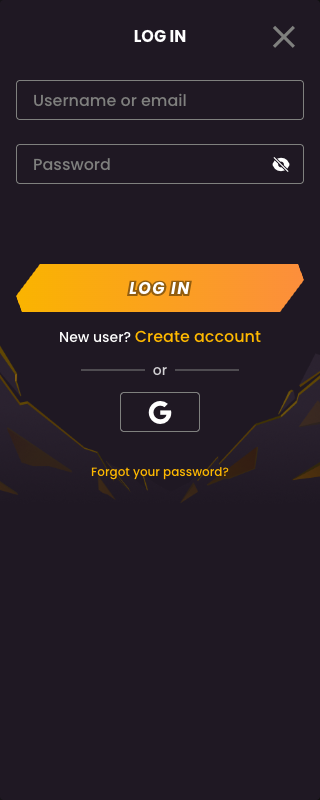
Forgot your password?
Choose Forgot your password? beneath the login form and follow the recovery instructions displayed by the casino. Use the account’s registered details. Do not send your password to anyone or enter it into an unrelated download or help form.
If your details are rejected, check the username or email you entered and your keyboard’s capitalisation. If you still cannot access the account, open Live Chat from the casino navigation for account assistance. If the account is restricted or self-excluded, ask support about its status instead of creating another account.
Returning on a phone
The same account-access task is available from the casino interface. For home-screen access, see mobile instructions. If your goal is a withdrawal, use the existing account’s Withdraw funds section after signing in; see withdrawal requirements.